

 Hemory Team
On this page
Before letting an AI client use past conversations to prepare a decision memo, check what that specific connection can retrieve and change. A client’s name on an integration page does not tell you its actual tools, access scope, or behavior.
Use the checklist below to assess the connection you plan to use. Treat claims as confirmed only when you can tie them to current documentation or observe them through an authorized, non-sensitive check.
TL;DR
- Evaluate the particular client connection, not just whether the client is listed as supporting MCP.
- Confirm the connection’s entry point and which Hemory Vault it is bound to; do not assume that this alone defines every item the client can retrieve.
- Separate Memory retrieval from documented write actions. Hemory’s documented MCP capabilities include Speaker labeling and management, but that does not establish arbitrary Memory edits or actions in other systems.
- If the client’s exact scope or permissions remain unclear, do not use it for sensitive or consequential work until you can resolve the uncertainty.
What this checklist can—and cannot—establish
MCP is a way for an AI client to connect to a server and use tools it makes available. The exact setup, available tools, and behavior depend on the client and connection. Hemory’s Features page describes Memory retrieval through MCP and lists several clients, but a public listing is not proof that each client has been independently tested or has identical permissions (Hemory Features).
This checklist helps you assess a particular connection before trusting it with a task. It is not a complete security audit, and it cannot establish behavior that the client’s documentation or an authorized check does not reveal. Record each answer as confirmed, listed only, or unresolved. “Listed only” means a product page names a capability or client, but you have not verified that it applies to your connection.
The per-client MCP security checklist
| Area | What to establish | Evidence to look for | Status |
|---|---|---|---|
| Client and entry point | Which exact AI client, version or environment, and connection route will you use? | The client’s current setup instructions and the connection configuration you are actually using. | Confirmed / listed only / unresolved |
| Available tools | Which Hemory tools does this connection expose to the client? | Current client-side tool listing or documentation for this specific connection. | Confirmed / listed only / unresolved |
| Memory retrieval | What kinds of captured Memory can the client retrieve for this task? | Documentation for the connection and, where appropriate, an authorized check using non-sensitive material. | Confirmed / listed only / unresolved |
| Vault binding | Which Vault is the connection bound to, and is it the Vault you intend to use? | The connection details and the current Vault shown for that connection. | Confirmed / listed only / unresolved |
| Write capability | Can the connection change anything? If so, what exact action and object are documented? | The tools and permissions documented for the connection—not an assumption based on MCP or a “read-only” label. | Confirmed / listed only / unresolved |
| External actions | Can the client act in other services, such as sending a message or editing a project record? | The client’s own enabled tools and permissions, assessed separately from Hemory’s MCP connection. | Confirmed / listed only / unresolved |
| Evidence and limits | Which answers are documented, observed, or still uncertain? | Dated notes identifying the source and scope of each claim. | Confirmed / listed only / unresolved |
1. Identify the exact client and connection route
Start with the client you will actually use—not a general MCP compatibility claim. Record its name, environment, connection method, and the instructions or configuration used to connect it. A client may support MCP in general without every Hemory tool, setup route, or permission being documented for that client.
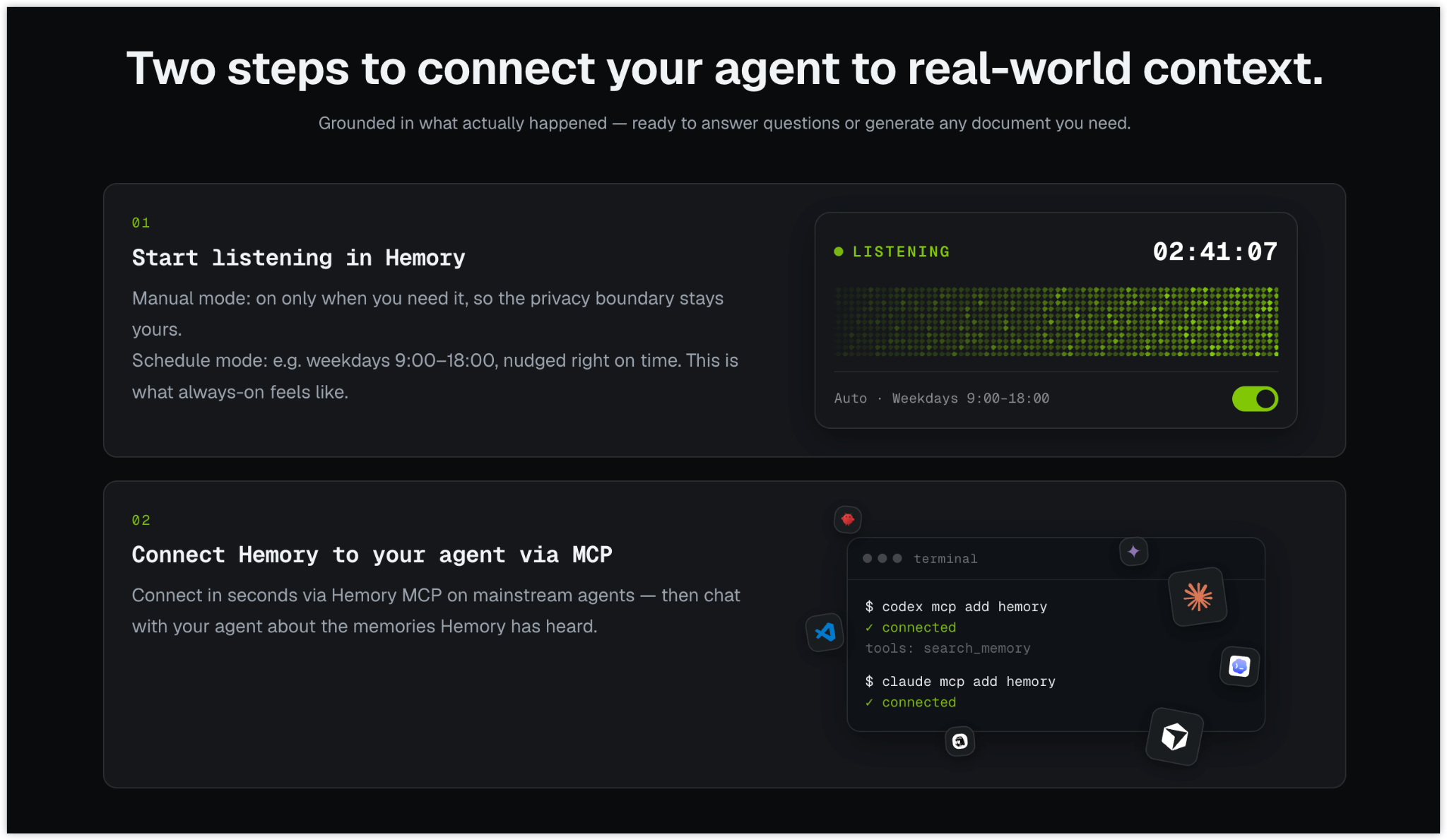
Connect an AI agent to Hemory through MCP.
Hemory’s public Features page lists Claude Code, Codex, Hermes, and other MCP clients. Treat that as a listing, not a test report for your setup. Do not infer that the clients share the same connection steps or behavior.
Record:
- Client and environment:
- Connection route and setup source:
- Date checked:
- What is documented versus merely listed:
If you cannot establish which connection is active, pause before supplying sensitive context. You cannot assess permissions for a connection you have not identified.
2. Check what the connection can retrieve
For a task such as drafting a decision memo, the key question is what captured Memory the client can retrieve—not simply whether it can connect. Hemory’s product information documents Memory retrieval through MCP. It does not establish that every client has identical retrieval tools, access scope, or permissions.
Ask what the client can search, what material it can return, and whether the relevant past discussion is already captured and accessible through that connection. Hemory cannot retrieve an exchange that was never recorded there. If an important detail is missing, use another available source or ask someone a focused question rather than treating an empty result as proof that no discussion took place.
Where you are authorized to check the connection, use a known, non-sensitive item relevant to your task. Note what the client actually returns and what the check does not establish. A limited lookup can show that a particular item was reachable; it does not prove that all relevant conversations are present or that access is restricted to that item.
Record:
- Retrieval tools or behavior documented:
- Relevant captured material available for the task:
- What an authorized check demonstrated:
- Remaining uncertainty about readable scope:
3. Verify the Vault binding without overreading it
Hemory’s documented MCP example binds the connection to the current Vault. Confirm which Vault the connection is bound to and whether it is the one you intend to use.
That fact does not, by itself, establish the full set of records a particular client can retrieve, whether the connection is limited to a subset of that Vault, or whether a different user or client has access. Keep those questions separate. If the exact readable scope matters for your task and you cannot establish it from the client’s documentation or an authorized check, mark it unresolved rather than assuming the Vault binding answers everything.
4. Separate retrieval from changes
Do not label the whole MCP connection “read-only” without checking its documented tools. Hemory’s documented MCP capabilities include Memory retrieval and Speaker labeling and management. The Speaker-management capability means the connection should not be described as entirely read-only; it does not establish that a client can edit arbitrary Memory, transcripts, or other Hemory data.
For each write-like capability, identify the exact action and object. A tool that manages Speaker labels is not evidence that the client can change a decision memo, update a CRM, or modify any other external system. Assess actions provided by the AI client separately from actions exposed by Hemory.
Do not try a destructive action merely to see whether it works. Check the connection’s documented tools and permissions first. If you cannot establish what an action changes, avoid relying on that connection for a task that could cause an unintended update.
| Claim | What you can conclude |
|---|---|
| The client can retrieve Memory through MCP. | Retrieval is documented; check the specific client’s available tools and accessible scope. |
| Speaker labeling and management are documented via MCP. | This is a documented write capability; it does not imply unrestricted Memory editing. |
| The client can send email or update another system. | This requires separate evidence about the client’s own connected tools and permissions. |
| A client is listed as MCP-compatible. | The listing does not independently verify that client’s connection behavior or permissions. |
5. Set a decision threshold for the task
The required confidence depends on the consequence of the work. A non-sensitive draft for personal review may tolerate more uncertainty than a client-facing decision or an action that changes a business record. Decide what must be known before connecting, then use the checklist to identify gaps.
For a decision memo based on past conversations, a reasonable minimum is to know which client connection is active, which Vault it uses, what retrieval behavior is documented for that connection, and whether any write or external-action tools are enabled. If a material answer is unresolved, either use a more clearly documented route, provide only context you are authorized to share, or complete the task without that connection.
Do not treat a successful retrieval as proof that the resulting memo is accurate or complete. Review important claims against accessible records and current information, especially when a missing condition or changed decision would affect what you recommend.
Keep a short connection record
For repeat use, keep a small record with the client and environment, connection route, Vault binding, documented retrieval and write tools, checks performed, and open questions. Update it when the client, configuration, or Hemory connection changes. This gives you a concrete basis for deciding whether the connection is suitable for a particular task without treating a generic integration listing as a security guarantee.
FAQ
Does an MCP listing mean an AI client has been tested with Hemory?
No. A listing shows that the client is named as an MCP option; it does not establish independent testing of its connection steps, available tools, or permissions.
Is Hemory’s MCP connection read-only?
Do not assume that. Memory retrieval is documented, and Speaker labeling and management are also documented via MCP. Those capabilities do not prove that arbitrary Memory or external systems can be changed.
Does binding a connection to the current Vault prove exactly what the client can read?
No. Confirm the Vault binding, then assess the client’s documented and observable retrieval scope separately. Do not infer either unrestricted access or a narrower per-record boundary without evidence.
What should I do if a permission remains unclear?
Mark it unresolved and avoid using the connection for a task that depends on that permission until you can confirm the behavior. Use another suitable source or workflow in the meantime.
Before you use the connection
Complete the checklist for the exact client and task, and keep unresolved claims visible. For a decision memo, use the connection only when you understand the relevant retrieval scope and any documented write actions; then review the draft before sharing or acting on it.