 Hemory Team
On this page
An idea can arrive while you’re walking, between appointments, or away from your notes. If you stop to decide what matters and write it all down, you may lose the thought—or interrupt what you’re doing. Manual Mode lets you choose when Hemory listens. Start a session, say the idea in your own words, and stop when you’re finished. Later, use Hemory’s built-in Q&A to ask about the captured conversation.
TL;DR
- Start listening in Manual Mode when you’re ready to capture an idea; stop the session when you’re done.
- Hemory creates a timestamped transcript for the listening session. Transcription and cleanup can help preserve the thought, but they are not guaranteed to be perfect.
- To retrieve the idea later, ask Hemory’s built-in Q&A about the topic or detail you remember. This works from captured, accessible conversations—not from an exchange that was never recorded.
Capture an idea with Manual Mode
Manual Mode is user-controlled: you decide when listening starts and stops. Use it when you want to capture a thought without first choosing which details will matter later.
- Open Hemory on your phone or Apple Watch. Use a device and platform supported by Hemory.
- Start listening in Manual Mode. Begin the session when you’re ready to speak. The specific controls may vary by device.
- Say the idea naturally. Include enough context to recognize it later: what prompted the idea, who or what it concerns, and any important condition or next thought. You do not need to turn it into a polished note.
- Stop listening when you’re finished. Manual Mode does not mean Hemory should be assumed to start recording on its own; you control the session.
- Let the transcript become available. Hemory describes listening sessions as producing timestamped transcripts with speaker labels and AI cleanup. A transcript can help preserve your wording, but check important details rather than assuming every word is correct.
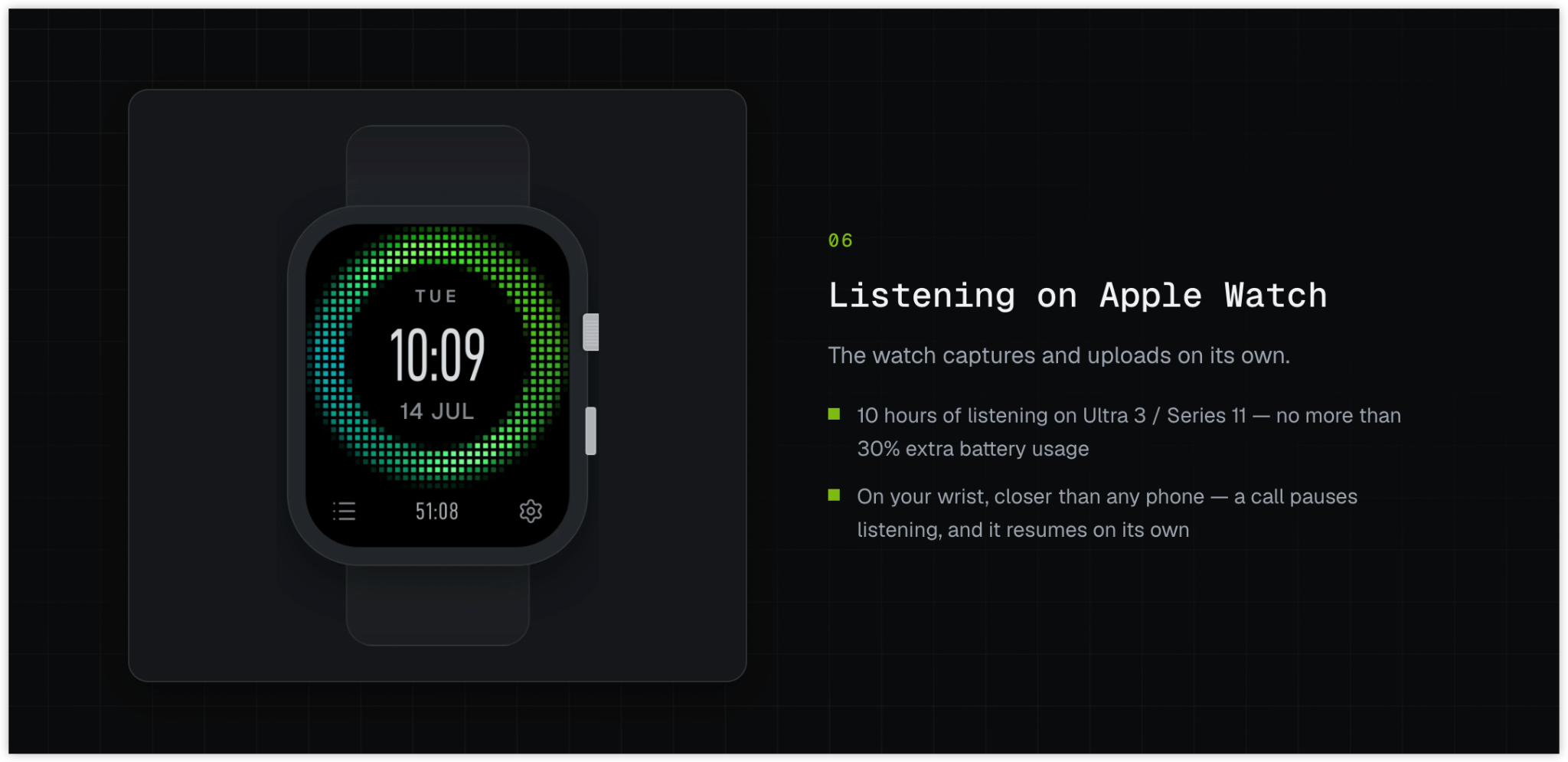
Apple Watch can capture and upload listening content independently. If you use a watch, start and stop the session there; do not assume a phone must be recording at the same time.
If other people are present, consider their privacy before starting. Follow the rules that apply where you are, and provide notice or obtain consent when required.
Retrieve the idea later with Hemory Q&A
After the conversation has been captured and is accessible in Hemory, use its built-in Q&A to ask about the idea. Hemory describes this Q&A as supporting follow-up questions grounded in transcripts and retrieval across conversation sessions.
Start with the clue you remember. For example:
What idea did I mention about making the onboarding checklist easier to use?
If the answer needs more context, follow up with a focused question, such as where the idea came up or what problem it was meant to address. Include a date or other clue if you know it, but do not invent one. If you cannot find the relevant detail, it may not have been captured, may not be accessible, or may need a different clue. Check another available record or clarify the detail yourself rather than treating a missed retrieval as proof the idea was never discussed.
Keep the capture easy to use
You do not need to dictate a complete brief. A short explanation in your own words is often enough to give the later question a useful starting point. If the idea depends on a constraint—such as a particular customer need or a deadline—say it while it is fresh. You can then ask about that constraint along with the idea.
The main benefit of capturing first is that you can stay engaged with the moment instead of deciding in advance which sentence to write down. Later, the transcript and Q&A can help you recover the thought without reconstructing the entire conversation from memory. You remain responsible for deciding whether the retrieved information is accurate and what to do with it.
FAQ
Does Manual Mode record automatically?
Manual Mode is user-controlled: you start and stop listening. Schedule Mode is different; it can remind you at set times and offer one-tap start and stop actions. Do not treat a reminder as silent recording.
Can I capture an idea on Apple Watch without my phone?
Apple Watch can capture and upload listening content independently. Start and stop the session on the watch when you want to use it for capture.
Will the transcript preserve every word perfectly?
No. Hemory describes timestamped transcripts with AI cleanup, but no transcript should be assumed perfect. Review important wording or details before relying on them.
Can Hemory retrieve an idea I forgot to capture?
No. Q&A can help retrieve information from captured conversations it can access. If the idea was never recorded, use another source or add what you remember yourself.
When an idea comes to you, start a Manual Mode session, speak it naturally, and stop when you’re done. Later, ask Hemory about the captured thought instead of relying only on what you remember to write down.