

 Hemory Team
On this page
An unplanned product conversation can surface a useful requirement, but later you may remember only the main point—not the conditions, rationale, or whether the team actually agreed to it. Reconstructing the exchange from memory before asking AI to update a product requirements document (PRD) can be slow and incomplete.
If the conversation was captured in Hemory and is accessible to a connected AI agent, you can start with the task rather than writing a full brief. The agent can retrieve relevant context and help draft; you supply current information and review the result before using it.
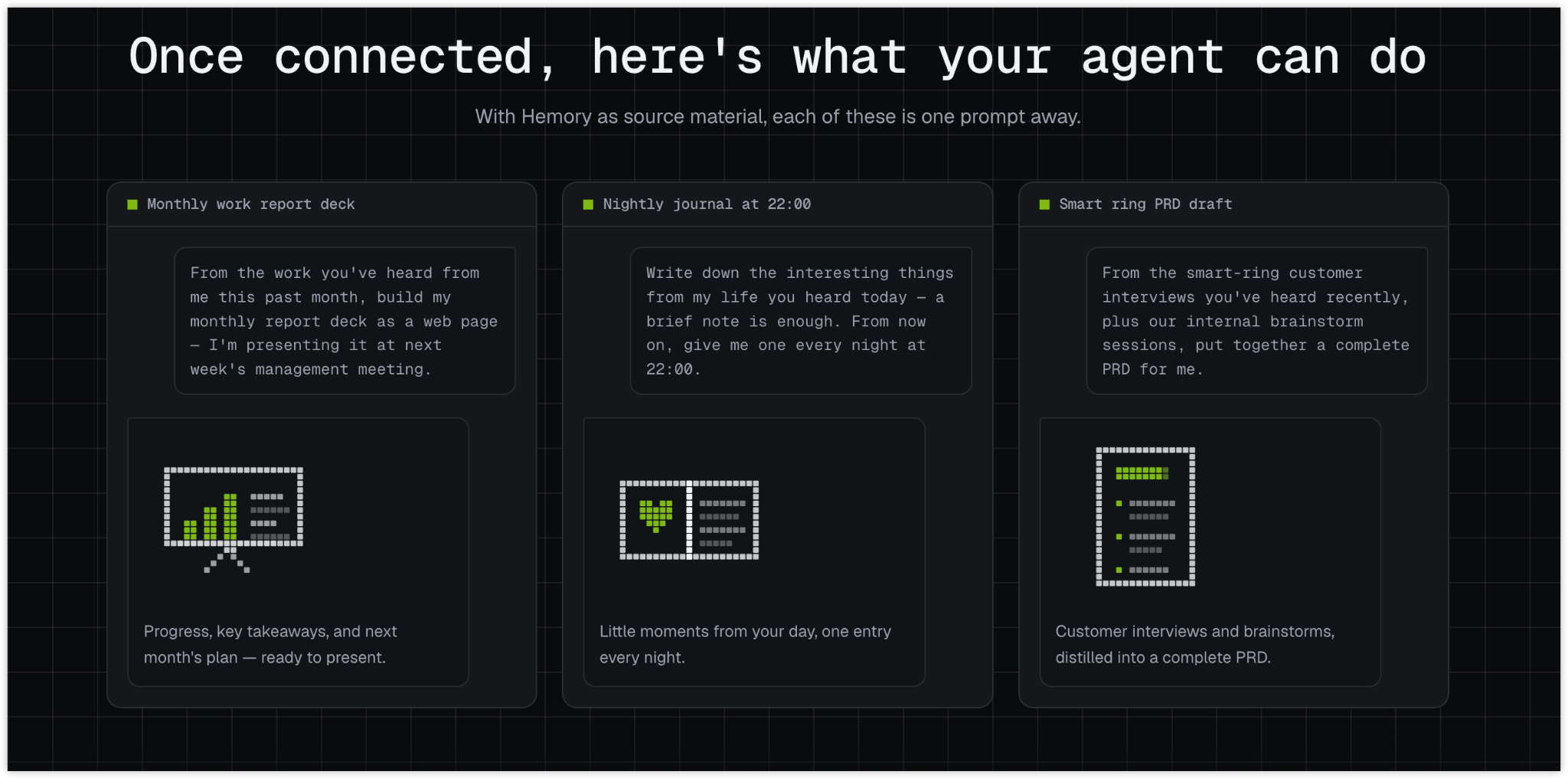
Turn saved context into reports, journals, and product requirements.
TL;DR
- Start with the outcome you need, such as updating a PRD section, and give the agent clues that help identify the discussion.
- The conversation must already be captured and accessible through a supported connection. If it is not, use another available source or ask a focused follow-up.
- Provide the current PRD or other necessary material, then check that the draft preserves the discussion’s actual status and leaves unresolved details open.
- The agent drafts; you decide what belongs in the PRD and carry approved changes into your team’s workflow.
1. State the task and give useful clues
Choose the work product first. “Help me update the export requirements in the PRD” gives an agent a clearer starting point than “What did we discuss?” Add the product area, approximate timing, participants, or a phrase you remember if those clues can distinguish the conversation. You do not need to reconstruct a complete chronology or write down every detail before asking.
For example, you might ask a connected AI agent:
Find the captured product discussion about CSV export. Use the relevant conversation to draft a proposed update to the export section of the PRD. Separate stated needs from proposals and open questions, and do not treat an idea as an agreed requirement.
This is a task request, not a guarantee that every relevant conversation or detail will be found. It works only if the discussion was captured in Hemory and the selected agent can access it through a supported connection. Hemory provides conversation capture, organization, and retrieval; the connected agent performs its own reasoning and drafting. A public integration listing alone does not establish that every client’s setup or behavior has been independently tested.
If the discussion was not captured, Hemory cannot reconstruct it. Use another accessible record, such as your notes, or ask someone involved to clarify the missing point.
2. Review the retrieved context before shaping the update
Read what the agent surfaced with the task in mind. Look for the substance that changes the PRD: what problem was raised, what behavior was discussed, why it matters, and any conditions or unanswered questions. A short summary may leave out a qualification that affects scope.

Retrieve past commitments and draft follow-up tasks.
Keep the status of each item precise. A request is not automatically an accepted requirement; a proposal is not a decision. A speaker’s name does not by itself establish ownership. If an important detail is absent or ambiguous, leave it open or ask a focused question rather than filling the gap with a guess.
For instance, suppose the captured discussion includes a request to export a report as CSV and a suggestion to include archived records. If nobody accepted the suggestion, the draft should not present archived records as an agreed part of the feature. It can record that as a proposal or an open question.
3. Add the current PRD and information that has changed
Conversation history provides background, not necessarily the current state of the product plan. Give the agent the relevant PRD section and any current instructions or decisions it needs to draft against. Provide that material in a way the selected agent can access; do not assume the Hemory connection grants access to your project system or updates it.
Ask for a proposed revision to the relevant section, along with any separate unresolved questions. Keep the request bounded: an export requirement does not call for rewriting unrelated parts of the PRD. If the conversation and current document appear to conflict, ask the agent to identify the discrepancy rather than silently choosing one version.
4. Check the draft, then move it into your workflow
Before using the update, review whether it accurately reflects the conversation and current plan. In particular, check:
- Status: Are requests, suggestions, decisions, and open questions labeled correctly?
- Scope: Does the draft include only behavior supported by the source discussion and current information?
- Conditions: Are dependencies or limits that affect the requirement still visible?
- Clarity: Could a product or engineering teammate understand what is proposed and what still needs a decision?
Add corrections or new information yourself, and get the appropriate team review. Then carry the accepted change into the PRD using your normal process. Hemory does not send email or update your project system as part of this workflow; the external agent’s drafting is distinct from your review and any team approval.
The same approach can support a follow-up email: ask for a concise draft based on the captured discussion, provide any current details the message needs, and review names, commitments, and unresolved questions before sending. The final message and any PRD change remain your responsibility.
Start from the work, not a reconstructed brief
For the next PRD update, begin with the section you need to change and the clues you remember. If the relevant conversation was captured in Hemory and your connected agent can access it, retrieval can reduce the need to retell the exchange from memory. Add the current document, review the draft’s status and scope, and make the final change through your team’s process.
FAQ
Do I need to summarize the whole conversation before using an agent?
No. Start with the task and useful identifying clues. The agent can retrieve accessible captured context, though you may still need to provide the current PRD or other material it cannot access.
Can the agent update my PRD automatically?
Do not assume so. Hemory provides context access, while the external agent’s capabilities depend on its supported tools and setup. Review the draft and carry changes into your PRD through your normal process.
What if the conversation was never captured?
Use another available source or ask a participant for clarification. Hemory cannot retrieve an exchange that was not recorded there.