 Hemory Team
On this page
“Update the interview guide” looks clear in meeting notes. When you start the work, you may still need to know who will receive it, what it should cover, and whether someone else is waiting for it.
Use the meeting action items template below to keep those details together. Hemory can capture the discussion and organize its action items, giving you a starting point without having to take notes throughout the meeting.
TL;DR
- Give each action item a clear outcome, an owner, and any agreed timing.
- Add dependencies and a reference to the discussion when they help someone complete the work.
- Track progress separately from missing information: an agreed task can still need a deadline.
- Start from Hemory’s organized action items, then resolve the details that affect delivery.
Copy this meeting action items template
Keep the template in the document, spreadsheet, or task tool you already use. Add one row for each task that needs its own owner or progress update.
Meeting: [Name]
Date: [Date]
| Action item | Owner | Due date | Dependency | Status | Source / context |
|---|---|---|---|---|---|
| [Action and intended result] | [Responsible person] | [Agreed date or timeframe] | [Prerequisite, if relevant] | [Current progress] | [Discussion reference or essential detail] |
Start with Not started, In progress, Waiting, and Done for status. Add Dropped when an agreed task is later canceled. These labels describe progress; use a separate “To confirm” note for an unresolved owner, date, or requirement.
For a short internal check-in, you may only need action item, owner, due date, and status. Include dependencies when work relies on another task or input. Keep source context when someone may need the explanation behind a brief task description.
If you prefer a document to a wide table, copy this entry:
Action item:
Owner:
Due date:
Dependency:
Status:
Source / context:

To confirm, if needed:
Put questions about the list beneath it:
To confirm
- [Task]: [Missing detail or question] — ask [person who can resolve it].
That gives you one place to resolve gaps without treating every incomplete field as a separate task.
Fill the fields with information people can act on
Action item: describe the result
Use a verb and an outcome someone can recognize. “Interview guide” is a topic. “Send the interview guide to Luis, covering setup and the first week of use” describes work that can be completed.
Paraphrase the conversation into clear task language while preserving its meaning. Keep qualifications that change the work: “send a draft for review” is different from “publish the final version.”
Split a broad item when its parts have different owners, deadlines, or completion points. Keep a small sequence together when one person will complete and report on it as a single task.
Owner: identify who will move the task forward
Name the person responsible for delivery or coordination. Other people may contribute, but the list should make it clear whom to ask for an update.
If the group agreed that work should happen without assigning it, keep the task and mark the owner Unassigned. Ask who will take responsibility. A suggestion that nobody agreed to pursue belongs with ideas or open questions until the group decides to act.
Due date: preserve the timing that was agreed
Use an agreed date or timeframe. A clear “Thursday” in a dated meeting can become a calendar date; retain the original wording if the intended week is uncertain.
Write Not agreed when there is no deadline. If the timing is “next week,” keep that wording until a specific day is needed. You can propose a date in the follow-up, making it clear that it still needs agreement.
A task can be ready to start before its deadline is settled. Clarify the date when scheduling or another person’s work depends on it.
Dependency: show what must happen first
Record a prerequisite such as receiving a brief, getting access to a system, or completing another task. Make the relationship specific: “After Luis sends the customer list” is more useful than “Luis.”
A due date says when work is expected; a dependency says what it relies on. Keep both when both apply. If the prerequisite arrives late, discuss the effect on timing rather than silently changing the deadline.
When no dependency was discussed, leave the field blank or use None noted. That does not establish that no dependency exists; it simply avoids adding one without a reason.
Source / context: keep the useful detail within reach
Include the meeting name, date, and a short topic reference. Add a link or timestamp when available and useful. A task that depends on a specific customer requirement may also need a short note about that requirement.
You do not need to copy a quotation into every row. The entry should be easy to scan, with enough information to find the fuller discussion when a question arises.
A completed action items template
Consider a research planning meeting on Tuesday, November 3, 2026:
- Priya agrees to send Luis the interview guide by Thursday. It should cover account setup and the first week of use.
- Luis agrees to book four customer interviews after receiving the guide.
- Tess agrees to check whether trial users are available for interviews. No deadline is set.
At the end of the meeting, the list could look like this:
| Action item | Owner | Due date | Dependency | Status | Source / context |
|---|---|---|---|---|---|
| Send the interview guide to Luis | Priya | Nov 5 | None noted | Not started | Nov 3 research planning; cover setup and the first week of use |
| Book four customer interviews | Luis | Not agreed | Receive Priya’s guide | Waiting | Nov 3 research planning; customer scheduling |
| Check trial-user availability for interviews | Tess | Not agreed | None noted | Not started | Nov 3 research planning; participant options |
To confirm: Ask Luis when the interviews need to be booked and Tess when she can report on trial-user availability.
The rows describe different situations. Priya has a task and a deadline. Luis has an agreed task that is waiting on an input. Tess can begin her check even though a reporting date remains open.
Sending the guide completes Priya’s task and removes Luis’s dependency. It does not establish that Luis has started booking. His next update determines whether the status changes to Not started, In progress, or Done.
For a larger project, add a Done when field if the task title cannot hold the completion criteria. For Luis, that might be “Four interview slots confirmed with participants.” Agree on that criterion before using it to assess completion.
Start with the action items Hemory has already organized
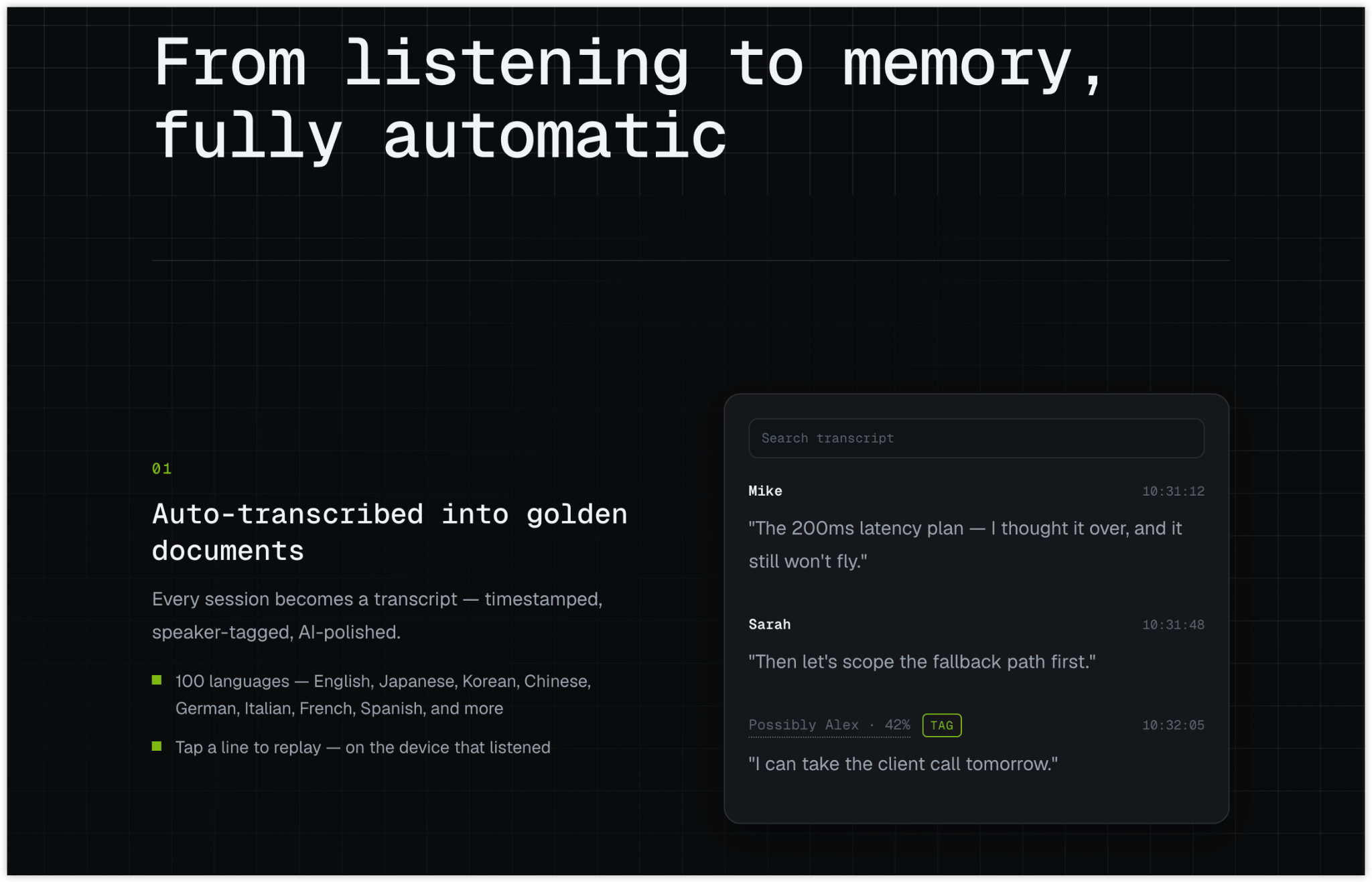
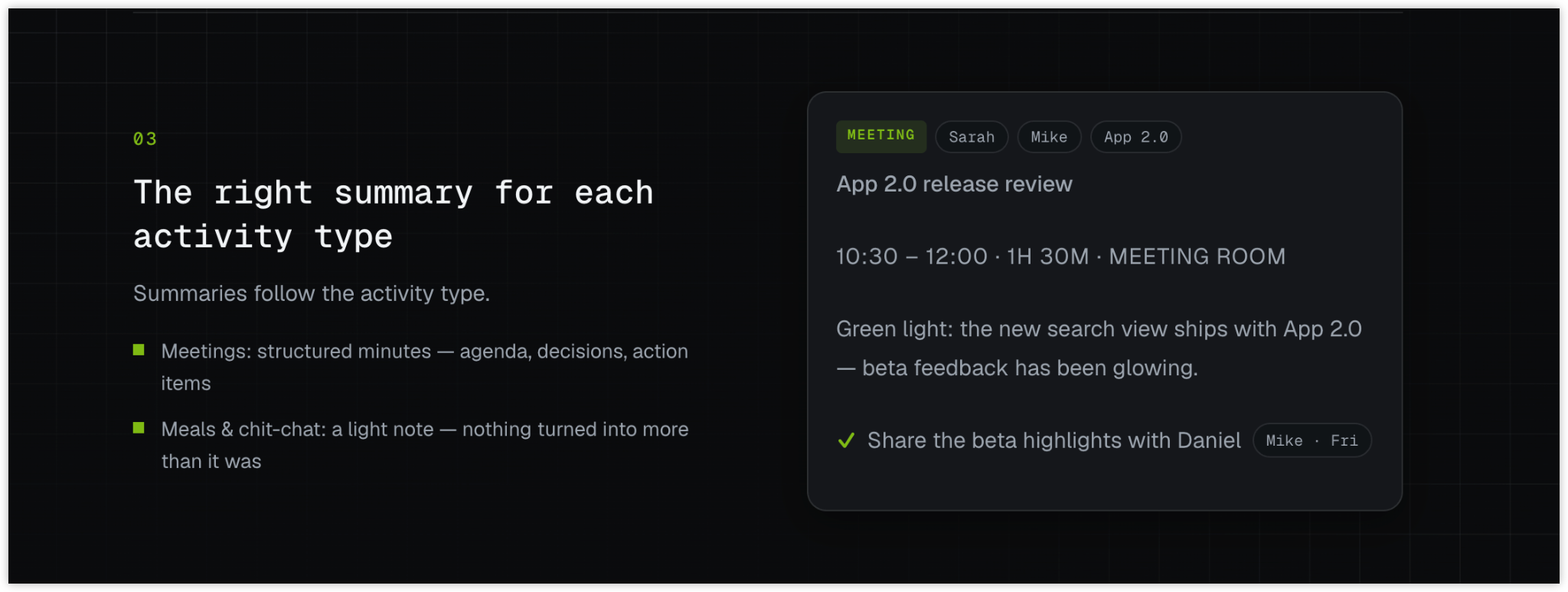
When you record a suitable discussion in Hemory with participants’ agreement, it produces a transcript and structured meeting notes, including action items. You can concentrate on the discussion instead of maintaining a parallel task list as people speak.
Afterward, use the organized action items as the starting point for your working list. Bring the relevant tasks into your document or task tool, keeping the stated owners, timing, and requirements. Use the template to make the list easier to follow, without rewriting the full meeting.
If a short task leaves out something you need, ask Hemory about that detail. For the research meeting, you could ask:
What did we agree the interview guide should cover in the November 3 research planning meeting?
The useful information is the scope of the guide. Once you have it, you can write the questions without asking Priya to reconstruct the discussion. If the timing for another task was never agreed, ask the person responsible rather than trying to recover a date that was not discussed.
For the broader capture and retrieval workflow, see how Hemory turns meeting conversations into a to-do list.
Keep progress and open questions separate
Use the status column to answer “Where is this task now?” Put missing details in “To confirm,” so a question about timing does not hide work that is already underway.
| Status | When to use it | What to record |
|---|---|---|
| Not started | The task is agreed and work has not begun | Owner and any timing still to confirm |
| In progress | The owner has begun the work | A meaningful update when needed |
| Waiting | A prerequisite or response prevents the next step | What is needed and who can provide it |
| Done | The agreed outcome has been delivered | A result or link when useful |
| Dropped | The task is explicitly canceled | The reason and date of the change |
A task can move into Waiting after work has started. Once the obstacle is removed, update its status based on what the owner is doing. A possible dependency should stay a question until you know it actually prevents the next step.
Mark a task Done when its agreed outcome exists. “Send the draft for review” can be complete while the review itself is still pending; “Get the draft approved” cannot. That distinction is why the action item needs a recognizable result.
When a deadline changes, update the current date and keep a short note of the change if others rely on it. A missed date calls for an update; it does not automatically cancel the task.
Use one working list across meetings
For a recurring project, carry unfinished tasks forward in the same list. Add a task ID if similar items are becoming difficult to distinguish. Recreating the list after every meeting can leave several versions with different owners or dates.
If the work already lives in a task tool, use the meeting notes to point to those tasks. Keep progress updates where the people doing the work will see them.
Before sharing the list, check that:
- Each agreed task has an owner, or a visible request to assign one.
- The intended result is clear enough for someone to begin.
- Dates and dependencies reflect the agreement, with proposals labeled.
- The follow-up asks only for the details that still need resolving.
You can share the relevant rows using a meeting follow-up email template. Keep the request specific: “Luis, when should the four interviews be booked?” is easier to answer than “Please confirm all the notes.”
Frequently asked questions
Is an action items template the same as meeting minutes?
No. Meeting minutes cover the discussion and its outcomes. An action items template focuses on the work that follows: the task, owner, timing, dependencies, and progress. Link to the fuller notes when someone needs background. Record choices and their reasoning in a decision log when they need to be revisited over time.
Should I use a spreadsheet or a task tool?
Use the place where the work will actually be updated. A spreadsheet suits a short list reviewed in recurring meetings. A task tool is useful when people already rely on it for assignments, reminders, or several projects. Avoid maintaining a second progress tracker solely because the tasks originated in a meeting.
Can an action item have more than one owner?
Several people can contribute, but naming one person to coordinate delivery makes follow-up easier. If contributors have separate deliverables or dates, split the work into linked tasks. For genuinely joint work, agree who will provide the progress update.
Can AI help fill the template?
Yes. Hemory organizes recorded meeting content into action items. A compatible AI agent connected through the Model Context Protocol (MCP) can retrieve that context and help format it into your chosen template. Specify the fields you need, then resolve unclear assignments or dates with the people involved.
Use it after your next planning meeting
Copy the version of the template that fits your work. Use Hemory to record the discussion, start from its organized action items, and confirm the few details needed to move forward. Keep the working list concise; return to the saved conversation when the task needs more context.